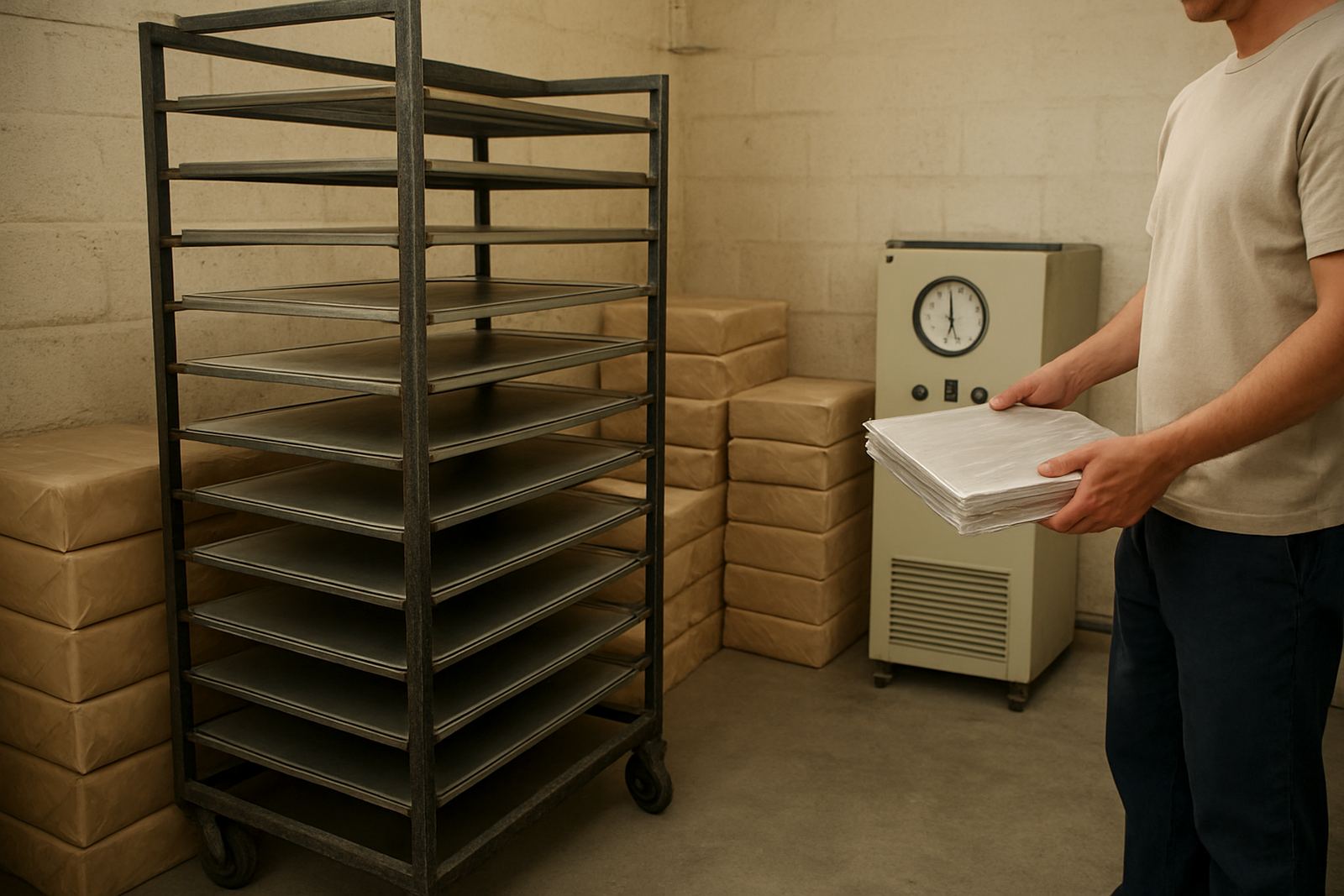

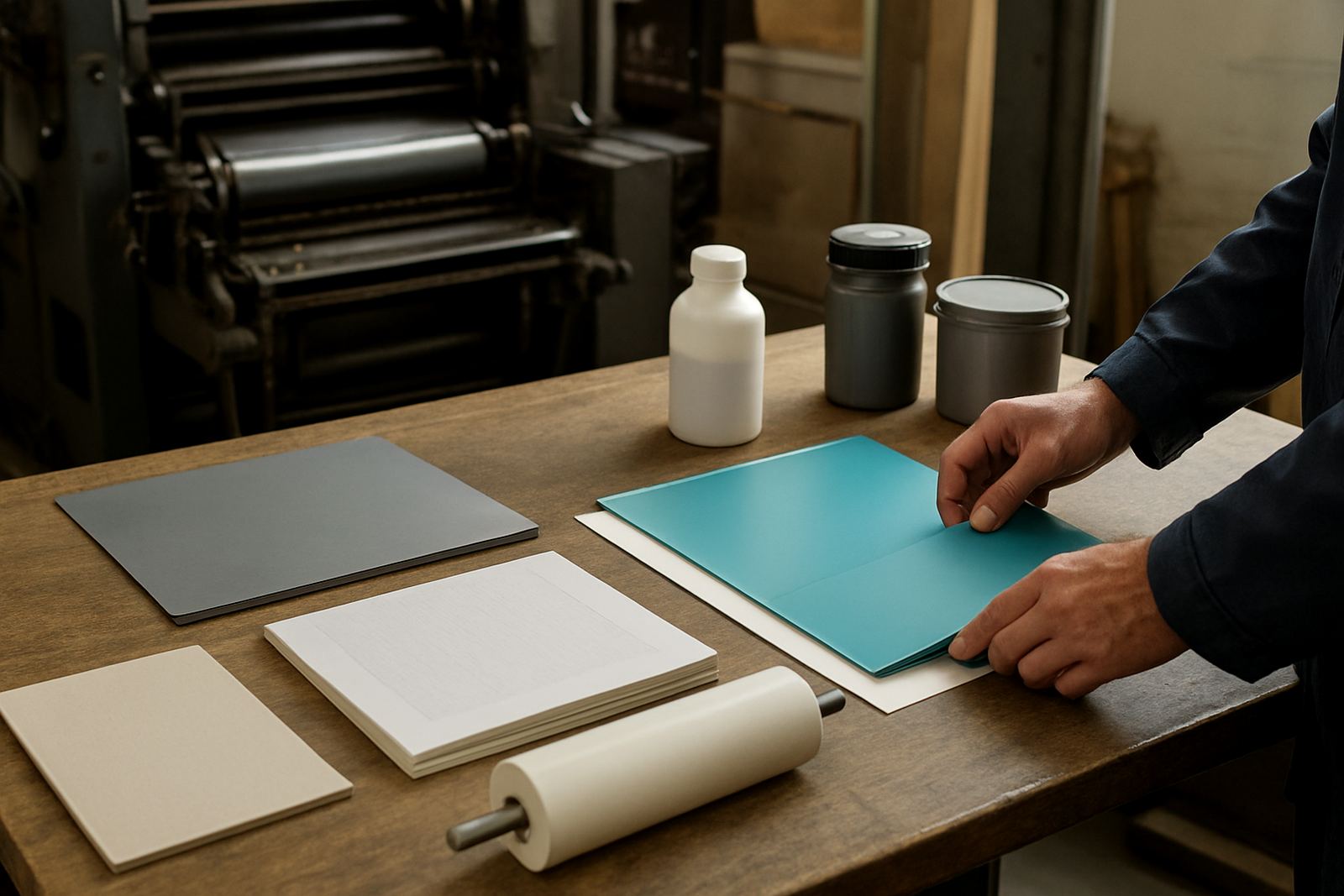
Start with the exact product name and use
When a repeat order is logged, the first thing to note is the exact product type and where it is used. A CTP plate for a 4-colour sheetfed job is not the same as a plate for flexo work, and a press blanket for long runs is not the same as one used for short-run finishing. If the product has a special coating, thickness or surface finish, write that down in plain language so there is no confusion later.
Keep the job description tied to the machine or process as well. For example, record whether the item is for offset, flexo, plate making, press startup or finishing. That small bit of detail saves time when someone in Johannesburg, Pretoria or Cape Town needs to place the next order in a hurry.
Keep a fixed order card for every item
An order card can be a paper file or a simple spreadsheet, as long as it stays consistent. Use the same fields every time so the person taking the order can find the right information in seconds. A good card should capture the product name, size, quantity, machine, and the last date it was supplied. It should also note whether the item performed well in winter, in high humidity, or during busy periods when press conditions changed.
- Product name and short description
- Dimensions, thickness or volume
- Pack size and usual order quantity
- Machine or press line used
- Last supply date and delivery town
- Any problems or changes reported on press
If your team works across Industria West, Roodepoort, Randburg, Midrand or Germiston, keep the card in one place so everyone is working from the same information.
Measure what matters before you reorder
Many repeat order delays happen because a size was written down loosely. For plates, confirm the length, width and any special imaging requirement. For blankets, note the thickness, packing type and whether the blanket was cut to fit a specific cylinder. For chemistry, record the exact product name, container size and the balance used on your processor.
Do not rely on memory from the last delivery. Check the actual item on the machine or in store and compare it with the record. If the printer has changed stock over time, update the order card immediately. A 0,5 mm difference or a changed pack count can cause waste, setup delays and extra calls to the technical team.
- Measure the item on the machine, not only from the old invoice
- Confirm units, millimetres, litres, sheets or sets
- Check whether the same item is used on more than one press
- Note any trimming, punching or special handling needs
Log the press conditions that affect repeat performance
Some repeat orders fail because the product was correct but the working conditions had changed. A plate or blanket may behave differently on a press that runs hotter, faster or in a damp store room. Chemistry can also shift when water quality, room temperature or mixing practice changes. That is why the order record should include what was happening at press level when the item last worked well.
Write down the plate type used during startup, the wash programme, colour stability notes and any clean-up issue that came up during production. If there were scumming, tinting, plate wear or blanket marking concerns, keep a short note beside the order. This helps technical support spot patterns faster and avoids repeat faults on the next run.
Set a simple approval step before ordering
Before a repeat order is released, one person should check the details against the order card. This is especially useful when more than one branch is involved or when the order is urgent for Pretoria, Randburg or Midrand delivery. The checker should confirm the item, quantity, delivery address and any special handling instructions, then sign off the request.
For larger accounts, keep a short approval ladder. The person who raises the order checks the details, the operations lead confirms stock use, and the sales contact verifies pricing or delivery timing. That extra step takes only a few minutes and can prevent the wrong plate size or chemistry pack from going out with the load.
- Match the order to the last successful supply
- Check quantities against actual usage and wastage
- Confirm delivery town and contact number
- Approve only after special instructions are read back
Use a restock note after every delivery
The best repeat order records are updated after the delivery, not weeks later. Once the plates, chemistry or blankets have been received and used, add a quick note on how they performed. Record whether the packaging arrived intact, whether the batch was consistent, and whether the stock lasted as expected. If there was any issue on delivery into Industria West or across the city, note it straight away.
Keep these notes short and practical. A line such as “good registration, no scumming, order same again” is enough when it is accurate. If a problem came up, be specific about what happened, when it happened and what was changed to fix it. That gives the next order a better starting point and supports faster troubleshooting when production is under pressure.
For teams that want repeat ordering to stay neat, the rule is simple: record it while the job is still fresh. The more exact the note, the less time is spent checking, phoning and correcting later.